


Church volunteer email templates.
Three volunteer emails to copy: the ask when a team needs people, the reminder before someone serves, and a thank-you. Fill in the brackets and send them from a person.
The recruiting ask
Name one team, what it takes, and the first step. A specific ask gets more yeses than “we need volunteers.”
The reminder
To the people serving this week: when, where, and who to find. Send it early enough to find a sub.
The thank-you
Tell people what their serving made possible, and ask for nothing.
Volunteer teams, designed
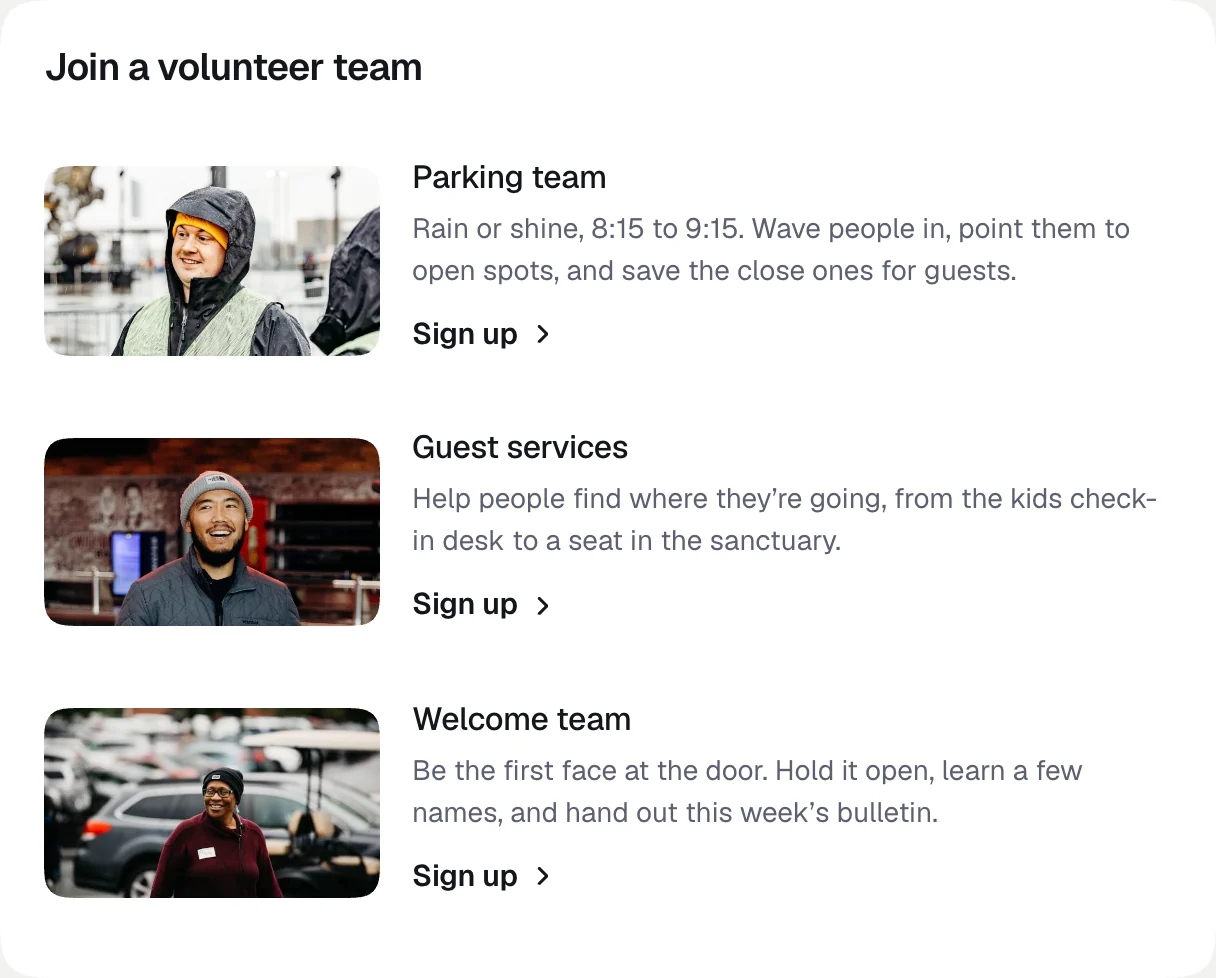
A list of teams, each with a photo and one line, is easier to say yes to than a paragraph. In Butter, the announcement list does that, and a featured announcement puts one ask at the top with a sign-up button. Butter does not schedule volunteers: keep sign-ups and schedules where they are now, like Planning Center Services, and link to them.
Before you send
FAQs
If yours is not here, email us at support@butterhq.com.
How do you ask church members to volunteer by email?
Name one team, what it takes and how often, and one way to say yes. Send it from the person who leads the team, and offer a Sunday to try it first.
When should I send a volunteer reminder?
Two or three days before, usually Thursday or Friday for a Sunday team. That leaves time to find someone to cover.
Can I email just one volunteer team?
Yes, if the team is a list in Planning Center People. With People sync on, every People list is an audience in Butter.
Does Butter schedule volunteers?
No. Keep schedules and sign-ups where they are now, like Planning Center Services, and link to them from the email.
More templates: visitor welcome emails, announcement emails, event emails, giving emails, and sermon emails.
Send your next volunteer ask in Butter.
Announcement sections ready for team photos and sign-up buttons. Free for 14 days.